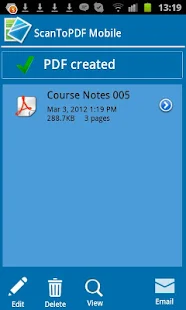
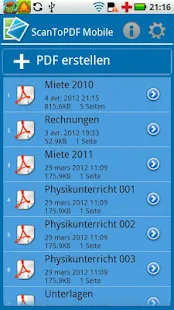
ScanWritr is a brand new, easy-to-use professional document scanner and PDF converter that allows users to SCAN and WRITE on the documents.

Size: 11 MB
Android Requires : 2.3.3+
More Info on Google Play:
https://play.google.com/store/apps/details?id=com.vanaia.scanwritr.pro
Tutorials: HOW TO Install APK Files on Android Device?
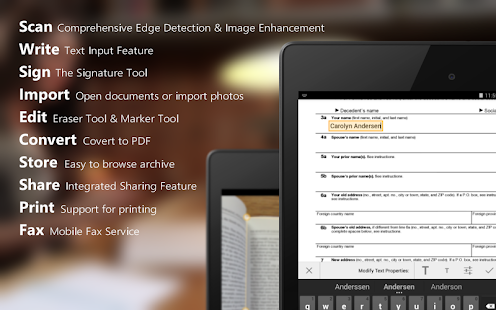
Simply scan that sheet of paper, watch as app’s automatic edge detection does its trick, fill out the blanks, sign it, convert to PDF and send it to the receiver via e-mail, fax, social media etc. – all within the comfort of your own mobile device!
Be one of the first to try out one of the following ScanWritr professional features:
● Camera-based Document Scanner
● Automatic Real-Time Edge Detection
● Image Enhancement
● Document Finder
● Form Filling
● Signing
● Text Highlighting
● Fax
● Cloud Printing
● Cloud Sharing
● PDF Converter
● Social Media Connectivity
Scan & Import
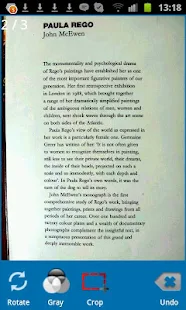
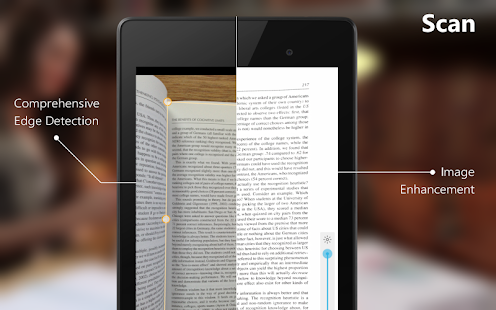
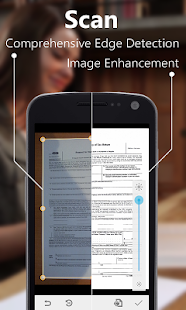
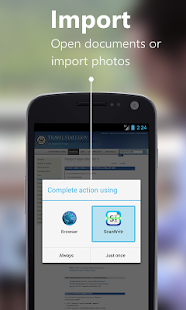
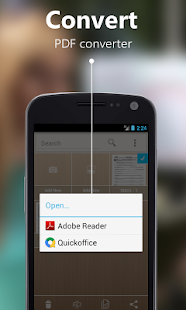
ScanWritr allows you to use the camera on your mobile device as a document scanner. The scanning is made easy with the help of advanced features of high-end portable scanner applications, such as Real-Time Automatic Edge Detection and Image Enhancement. If you already have a document, you can simply import it directly from your device, e-mail, cloud etc. Since ScanWritr is also a PDF converter, the imported documents can, among many others, also be in PDF format.
Write & Fill out forms
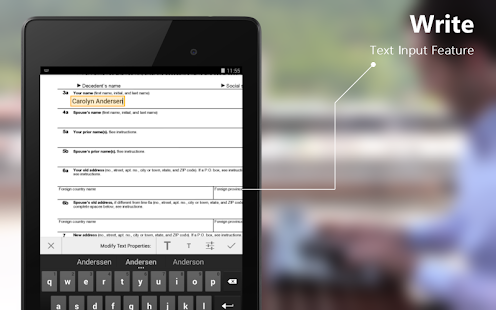
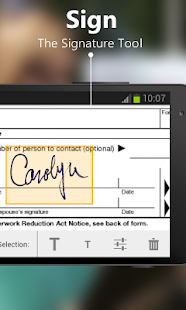
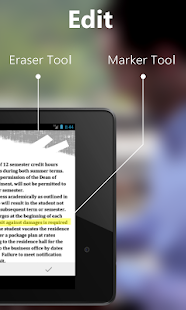
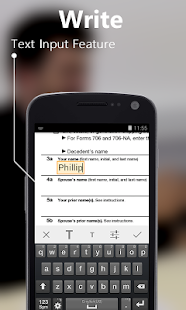
This is a feature that makes our mobile scanner app stand out from the crowd. ScanWritr is not just a document scanner and PDF converter but also digital form filling app. Once you scanned that printed form, or opened the document from your device, it is time to elegantly fill it out using ScanWritr Text Input Feature. Is there an article, word or any other piece of data you wish to emphasize? Use the Marker Tool. Now all you need to do is to sign it using app’s Signature Tool and you are ready to store and/or share it.
Store & Share
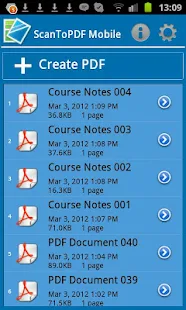
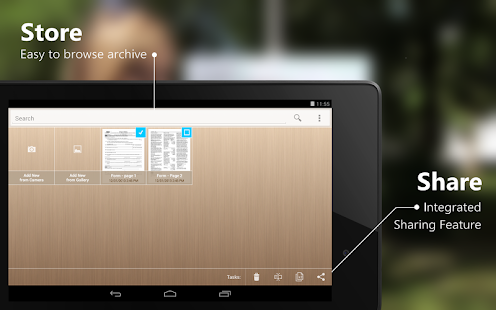
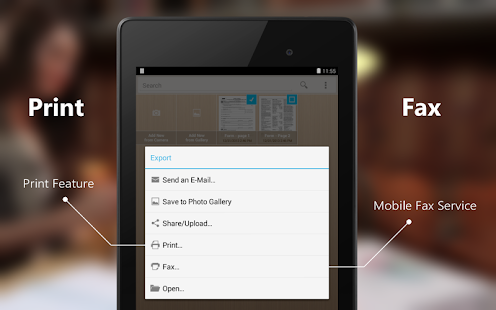
That important document is scanned or imported, automatic edge detection made its magic, the image is enhanced and the edges are sharp. You might have used the Marker Tool and you’ve put down your digital signature – either way our handy document scanner is safely stored on your device and can be easily accessible through app’s handy document finder bar. Now you can e-mail it as PDF. Does the recipient require the document to be sent by fax? No problem – you can easily fax the document for an affordable price. Maybe you want to share it with all your friends? ScanWritr has it covered with its Social Media and Cloud Connectivity.
Be one of the first to try out one of the following ScanWritr professional features:
● Camera-based Document Scanner
● Automatic Real-Time Edge Detection
● Image Enhancement
● Document Finder
● Form Filling
● Signing
● Text Highlighting
● Fax
● Cloud Printing
● Cloud Sharing
● PDF Converter
● Social Media Connectivity
Scan & Import
ScanWritr allows you to use the camera on your mobile device as a document scanner. The scanning is made easy with the help of advanced features of high-end portable scanner applications, such as Real-Time Automatic Edge Detection and Image Enhancement. If you already have a document, you can simply import it directly from your device, e-mail, cloud etc. Since ScanWritr is also a PDF converter, the imported documents can, among many others, also be in PDF format.
Write & Fill out forms
This is a feature that makes our mobile scanner app stand out from the crowd. ScanWritr is not just a document scanner and PDF converter but also digital form filling app. Once you scanned that printed form, or opened the document from your device, it is time to elegantly fill it out using ScanWritr Text Input Feature. Is there an article, word or any other piece of data you wish to emphasize? Use the Marker Tool. Now all you need to do is to sign it using app’s Signature Tool and you are ready to store and/or share it.
Store & Share
That important document is scanned or imported, automatic edge detection made its magic, the image is enhanced and the edges are sharp. You might have used the Marker Tool and you’ve put down your digital signature – either way our handy document scanner is safely stored on your device and can be easily accessible through app’s handy document finder bar. Now you can e-mail it as PDF. Does the recipient require the document to be sent by fax? No problem – you can easily fax the document for an affordable price. Maybe you want to share it with all your friends? ScanWritr has it covered with its Social Media and Cloud Connectivity.